Why does analysis happen in two stages?
The quick first look gives every song a rough tempo within seconds, so you can start right away. The second stage listens carefully through the whole track and pins down every single beat — that's what precise matching and DJ-style transitions are built on, and it takes longer.
Why does the second stage take so long?
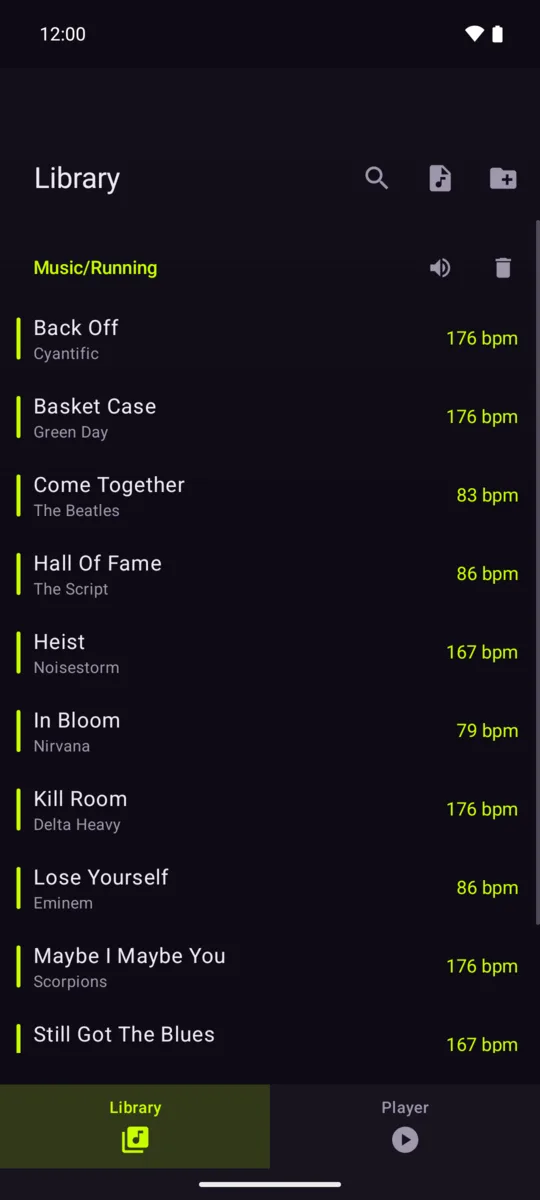
Because it really listens to the whole song, right on your phone — a few seconds per track. It's deliberately kept gentle so your phone stays cool and the battery lasts. It keeps working in the background even with the app closed, and each song only ever needs it once — the result is saved.
Why does it only work with my own music, not streaming?
Streaming services don't let other apps touch the actual audio, and the analysis needs to hear the music. It's also a promise: the app never goes online at all, so your music and your data stay on your phone.
Which music files can it read?
Common local audio: MP3, AAC/M4A, FLAC, OGG/Opus and WAV — including the WebM/Opus files that YouTube downloads are often saved as, under a misleading .mp3 name. Files with DRM on them cannot be read.
How do I set my tempo?
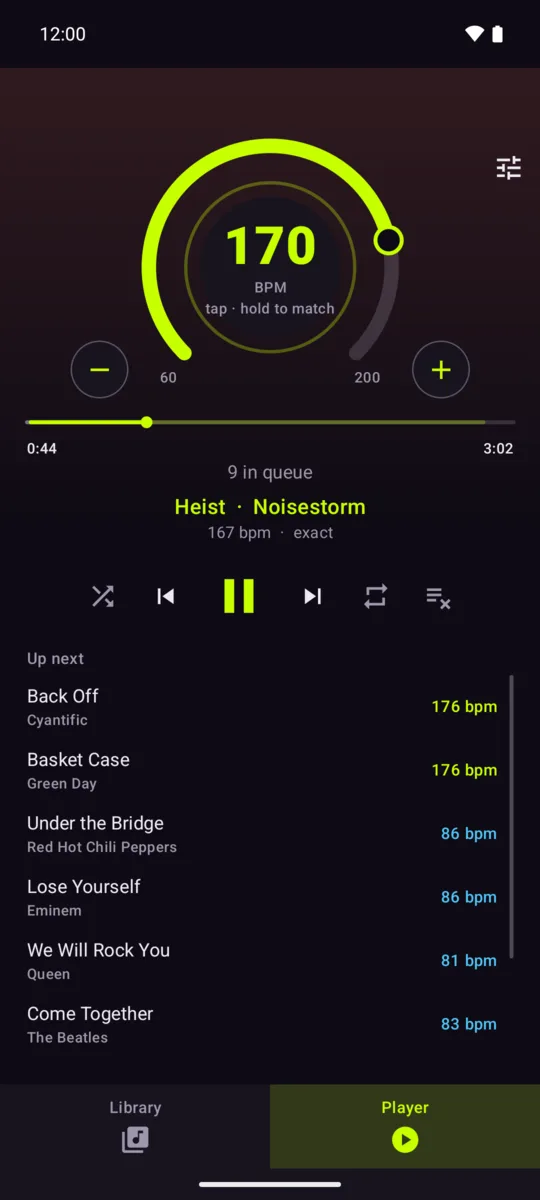
Any way you like: drag the outer ring, tap the center disc in the rhythm of your steps, fine-tune with the plus and minus buttons — or press and hold the disc and walk: after ten seconds the app has measured your pace by itself.
Why is a 90 BPM song in my 180 steps-per-minute queue?
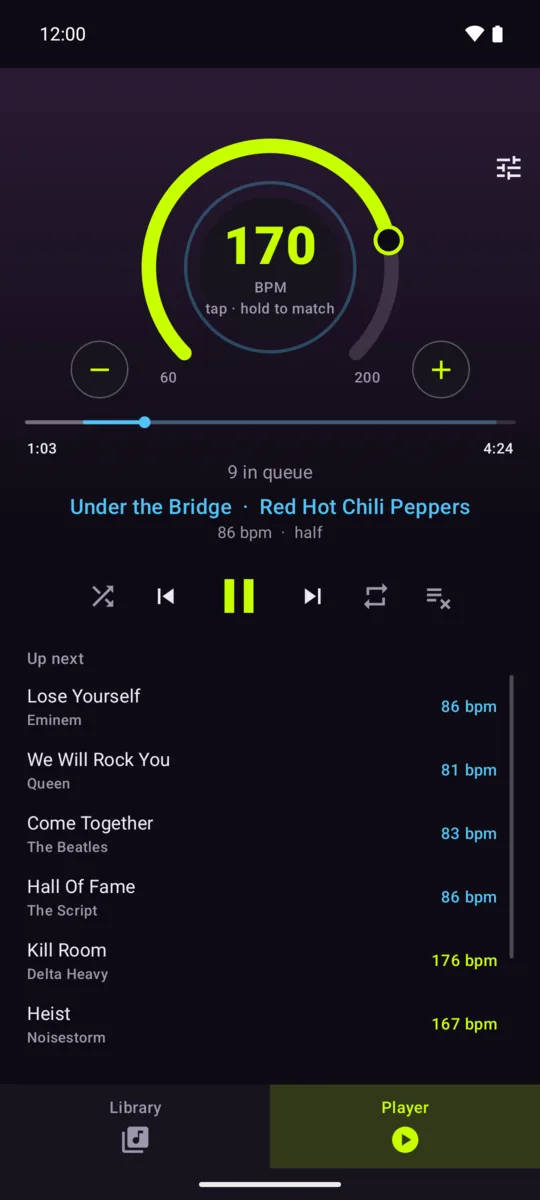
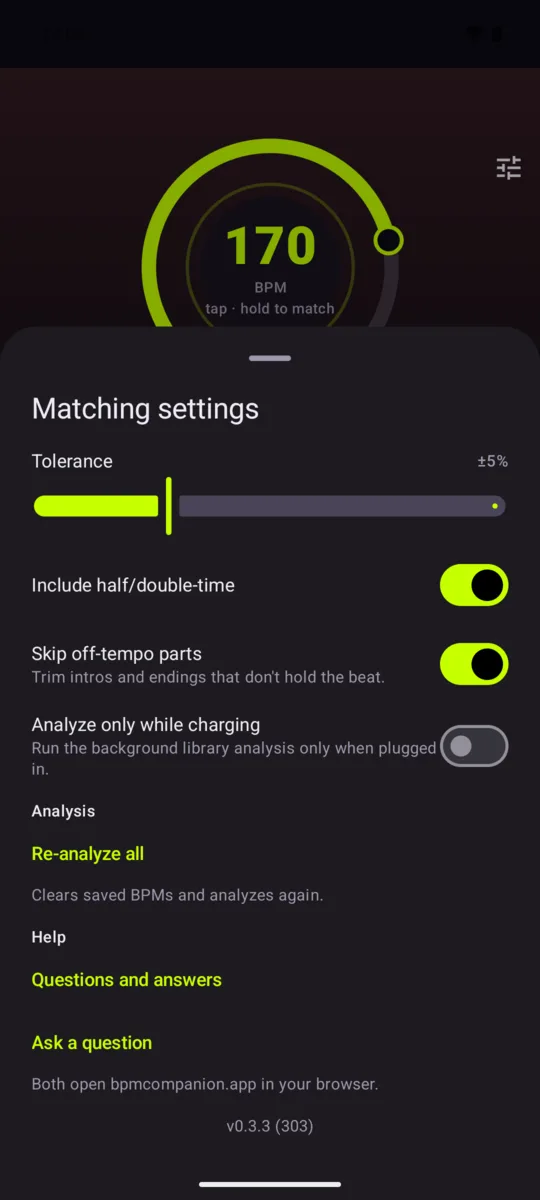
In that song there's one beat for every two steps — the rhythm still fits your stride exactly. The queue marks these songs, and you can turn off half- and double-time matching in settings.
Why don't songs start from the very beginning?
Many songs open with a slow intro or trail off at the end — exactly the parts that would break your stride. By default the app skips them and starts where the music itself starts: a quiet intro can keep perfect time and still leave you waiting. Turn that off in settings if you'd rather always hear the whole song.
A song's BPM changed on its own. Why?
The quick estimate is sometimes off by exactly a factor of two — 85 instead of 170, because the same rhythm can be counted either way. The careful second stage settles it. Your playlists usually don't change: at half the count, the song fit your pace just the same.
Nothing matches my tempo. What now?
Press play anyway — a metronome ticks at your pace. The moment you turn the dial to where songs do match, the music takes over.